When to use this guide
Run this check whenever a new part, a new oven or a new line speed is introduced, when you switch to a WANAN series, or when films show poor solvent resistance, low impact or yellowing.
What you need
- A temperature-profile recorder (data logger) with surface probes
- The heaviest and the lightest part that will run on the line
- The series TDS (cure window 190–200 °C object temperature, 10–15 min)
Steps
Pick the worst-case parts
Choose the thickest, heaviest part and the thinnest one on the hanger. A light bracket may reach temperature in about three minutes; a 10 mm machinery frame may take fifteen.
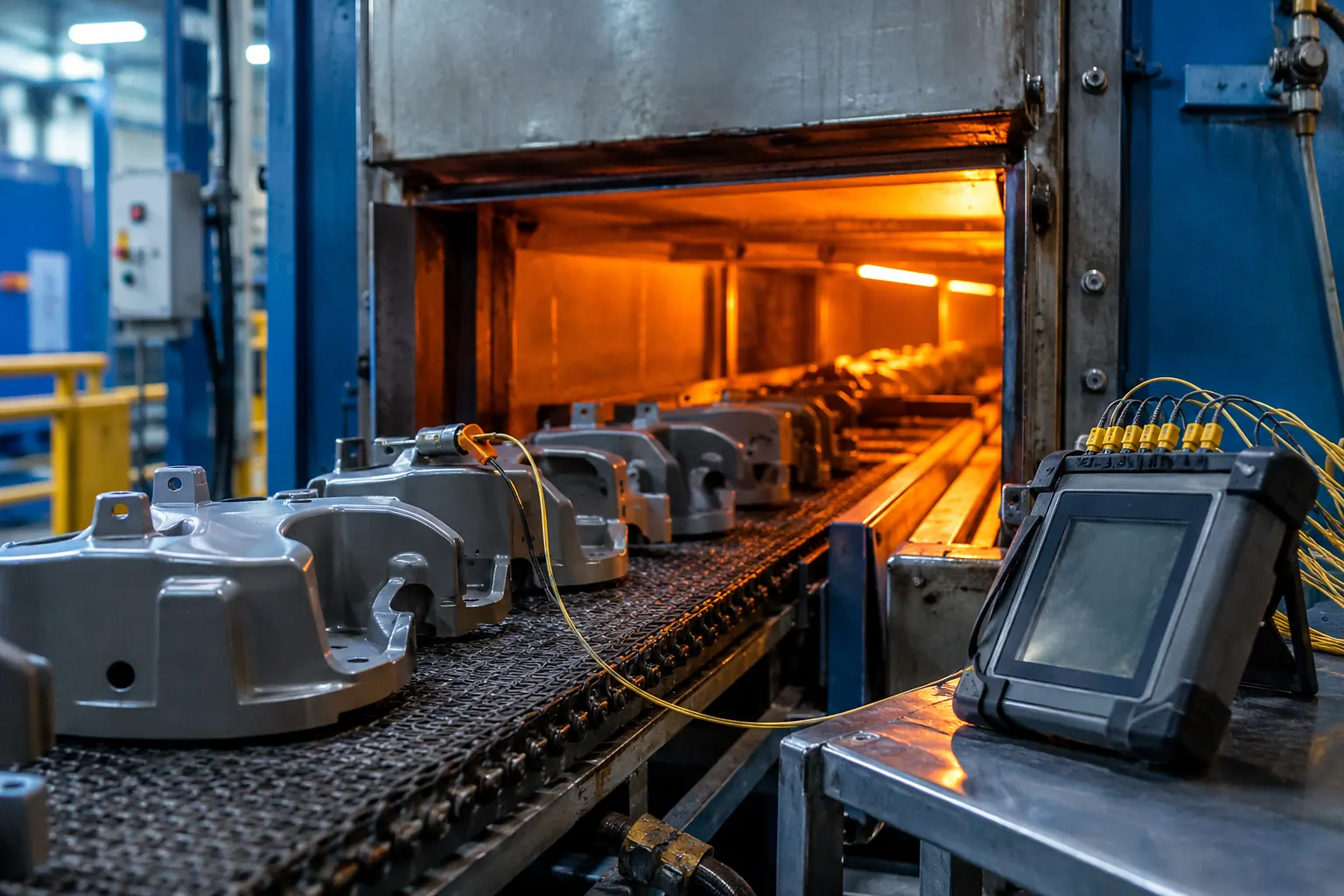
Attach probes to the metal
Clip or magnet the probes directly on the part surface, including a thick section. Air temperature and oven set-point are not the measurement that matters.
Run the parts at normal line speed
Send the logger through the oven on a normal production run with a full hanger, so the oven load is realistic.
Read time at temperature
On the curve, find how long each probe stayed at 190–200 °C. WANAN series need 10–15 minutes in that window.
Adjust set-point or line speed
If the heavy part falls short, raise the set-point or slow the line; if light parts stay far above 200 °C for long, expect yellowing of light colours and lower flexibility.
Confirm on the cured film
Check impact, cross-cut adhesion and appearance on parts from the profiled run before releasing the settings.
Key values
| Item | Value | Source |
|---|---|---|
| Cure window | 190–200 °C object temperature, 10–15 min | Series TDS |
| Light bracket | about 3 min to reach temperature | Powder coating 101 |
| 10 mm frame | up to about 15 min to reach temperature | Powder coating 101 |
| Impact after cure | 50 kg·cm (ISO 6272-2) | Series TDS |
| Adhesion after cure | Class 0 (ISO 2409) | Series TDS |
Common mistakes
- Using the oven set-point as the cure temperature
- Profiling an empty oven or a single light part
- Ignoring yellowing of light colours, a sign of over-cure
- Changing line speed after profiling without re-checking
Related
- Powder coating 101: cure
- Series comparison and cure window
- How to measure film thickness
- All how-to guides
Published 7 October 2026 by the WANAN technical team. Figures are taken from WANAN technical data sheets and the pages linked above.